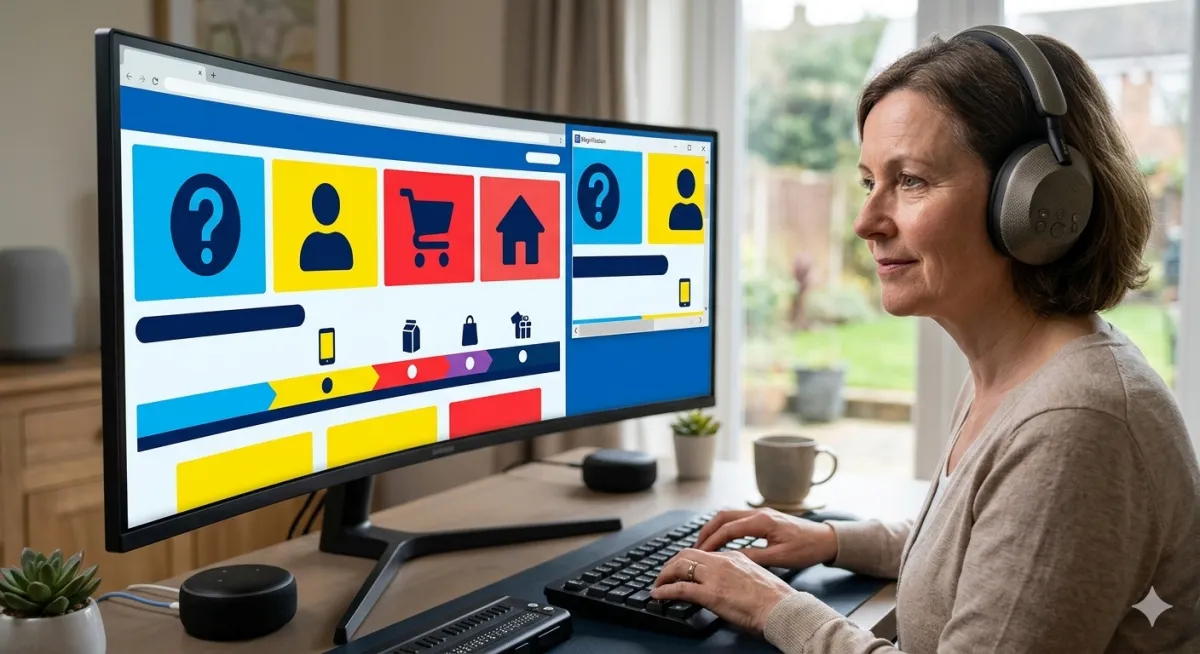
Designing Accessible Websites for All Patients
A website should be a welcoming resource for everyone. The "Power of Accessibility in Web Design" emphasizes creating inclusive online experiences that cater to patients with disabilities, ensuring equitable access to your practice's information and services.
What is "The Power of Accessibility in Web Design" in Healthcare Marketing?
It means designing and developing websites that can be perceived, understood, navigated, and interacted with by all individuals, including those with visual, auditory, motor, or cognitive impairments. This often aligns with WCAG (Web Content Accessibility Guidelines).
Why is Web Accessibility Crucial for Healthcare?
Ensures Equitable Access: Guarantees all patients, regardless of ability, can access vital health information and services.
Expands Patient Reach: Opens your practice to a wider audience, including those who might otherwise be excluded.
Enhances User Experience for Everyone: Accessible design principles often improve usability for all visitors.
Builds Trust and Reputation: Demonstrates your practice's commitment to inclusivity and patient well-being.
Legal Compliance: Helps meet regulatory requirements (like ADA in the US) and avoid potential lawsuits.
Strategies for Accessible Web Design:
Provide Alt Text for Images: Describe images for screen reader users.
Use Clear, Readable Fonts and Contrasting Colors: Ensures text is easy to see and read.
Enable Keyboard Navigation: Allow users to navigate your entire site using only a keyboard.
Include Captions and Transcripts: Make video and audio content accessible to those with hearing impairments.
Structure Content Logically: Use headings and clear layouts for easy navigation.
Test with Accessibility Tools: Use automated checkers and conduct manual testing with assistive technologies.
Train Your Team: Ensure content creators and web developers understand accessibility best practices.
Real-World Example:
A hospital redesigns its website with high-contrast color schemes, clear navigation menus, and descriptive alt text for all images. They also add captions to all their health videos. This makes their site usable for patients with visual impairments, leading to increased engagement from a broader patient demographic.
Final Thoughts:
Web accessibility is not just a technical requirement; it's a fundamental aspect of patient-centered care. By prioritizing inclusivity in your web design, you demonstrate a commitment to serving all members of your community with dignity and respect.
How DoctoGrow Can Help:
We help practices audit their websites for accessibility, implement design best practices, and create content that meets accessibility standards, ensuring your online presence is welcoming to everyone.